How to scan a paper recipe into a readable PDF with your phone
· Editorial team minneapolisnewschris.com
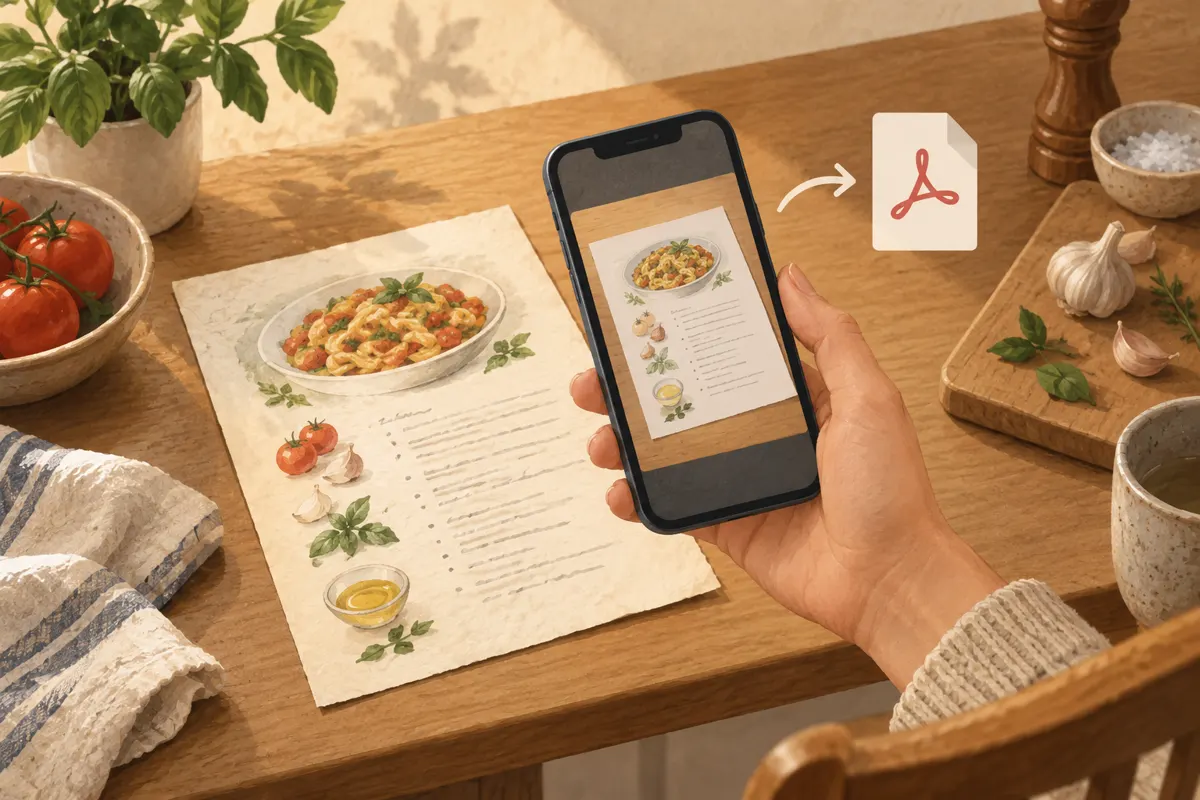
To turn a paper recipe into a readable PDF, place it flat in even light, capture it with your phone’s document scanner, crop around the whole recipe and check the smallest print before saving. Give the PDF a descriptive filename so you can find it when you need it.
Set up the page and light
Put the recipe on a flat, uncluttered surface with a background that contrasts with the paper. Smooth loose sheets gently. For a cookbook, support the open book so the recipe page lies as flat as possible without forcing the binding. A curved page can make words near the spine difficult to capture.
- Use soft daylight or an evenly lit room. Move out of direct sunlight if it creates bright patches.
- Keep your body and phone from casting a shadow across the ingredients or instructions.
- For glossy pages, change the position of the book or light until reflections disappear.
- Wipe the camera lens with a clean, soft cloth before capturing small print.
Check the page through the phone screen before scanning. If one side looks much darker than the other, adjust the lighting first. Editing afterward may not recover text hidden by glare.
Capture the recipe straight from above
Open a document-scanning feature in an app you already use, or choose a scanner that offers PDF export. The controls vary by app, so look for a scan or document option and confirm that you can save the result as a PDF.
- Hold the phone above the page with the camera facing straight down. Keep the phone parallel to the paper.
- Fit all four corners in the preview, leaving a little space around the edges.
- Tap the printed text to focus if your app allows it, then hold steady while capturing.
- Review the image immediately. Retake it if letters look blurred, the page is cut off or a shadow crosses the text.
For a recipe spanning two pages, capture each page separately and keep them in reading order. Include any continuation, handwritten changes or notes on the back of a recipe card. Avoid squeezing an entire cookbook spread into one image if that makes the type too small.
Crop carefully and adjust for readability
Check the crop even if the scanner detected the page automatically. Move the corner handles to match the paper, and preserve a small margin around the text. Keep the recipe title, ingredient quantities, cooking directions and any useful notes inside the frame.
Rotate the scan so it reads upright. If the app offers color, grayscale or black-and-white modes, compare the previews. Black-and-white may make printed text clearer, but it can also erase faint pencil marks. Color may be more useful when handwritten corrections matter.
- Zoom in on fractions, temperatures and cooking times.
- Check faint handwriting and text close to the book’s spine.
- Make sure adjustments have not removed decimal points or thin characters.
- Retake an unclear page instead of repeatedly increasing contrast.
Save the PDF and check the finished file
Use the scanner’s save, export or share control and select PDF where available. Combine the recipe’s pages into one document if the app supports it. Open the saved file from its destination folder to confirm that the export worked and every page is present.
A PDF can contain only pictures of the pages. If you also want to search or copy the recipe’s words, look for optical character recognition, often labeled OCR or text recognition. When available, compare recognized text with the original: fractions, abbreviations and handwriting need particular attention.
Name it so you can find it later
Suggested naming format: recipe name, followed by a useful source or variation. For example, Lemon chicken - family recipe.pdf is easier to recognize than Scan 004.pdf. Use the actual dish name rather than a vague label such as Dinner.
A suggested starting point is one Recipes folder, with subfolders only when they help you browse. Keep a backup in your usual storage location. Before putting the paper away, open the PDF once more and confirm that you can comfortably read every measurement and instruction.